Publish your articles
Copy and paste it, commit it to GitHub, or pull it through the API.
 JoshUpdated 2 min read
Add your blog
Open Publishing, enter your blog's URL, and click Add blog.
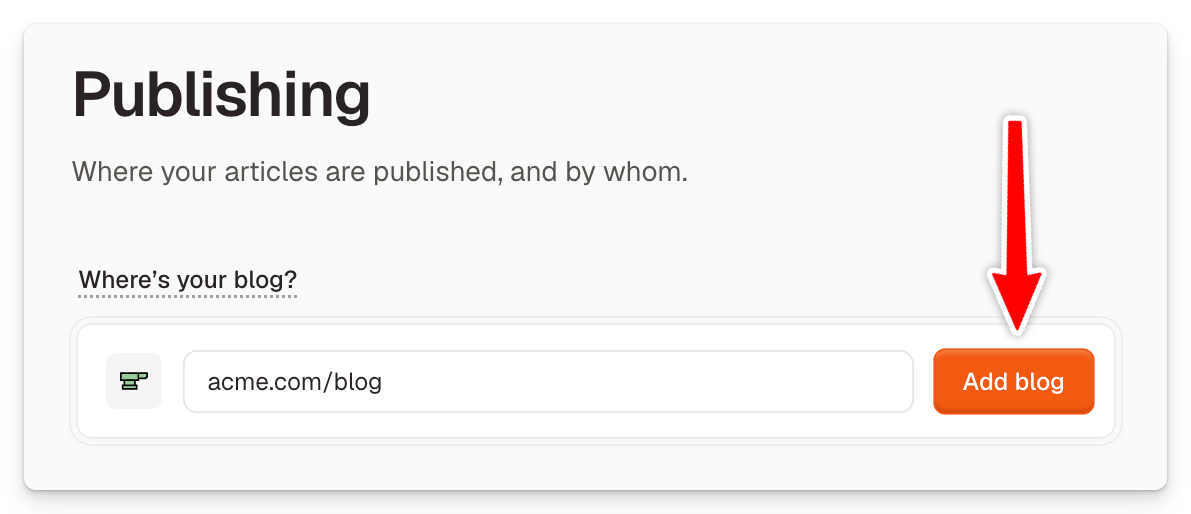
You can add multiple blogs to a project and choose a publishing method for each one.
Pick a method
In Publishing, click your blog, pick a method under Publishing method and click Save.
Publish an article
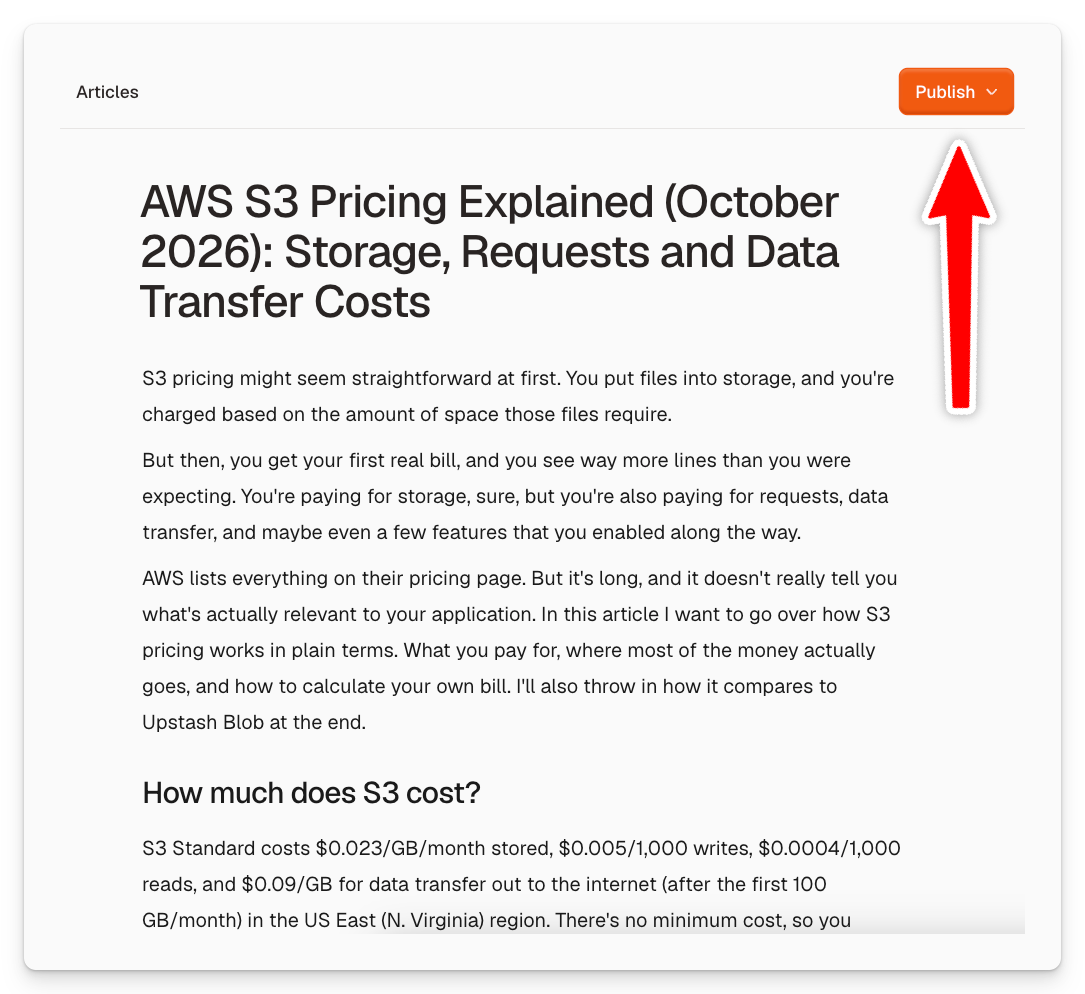
Open an article and click Publish in the top right:
Choose your Slug, Author and Topic, then publish:
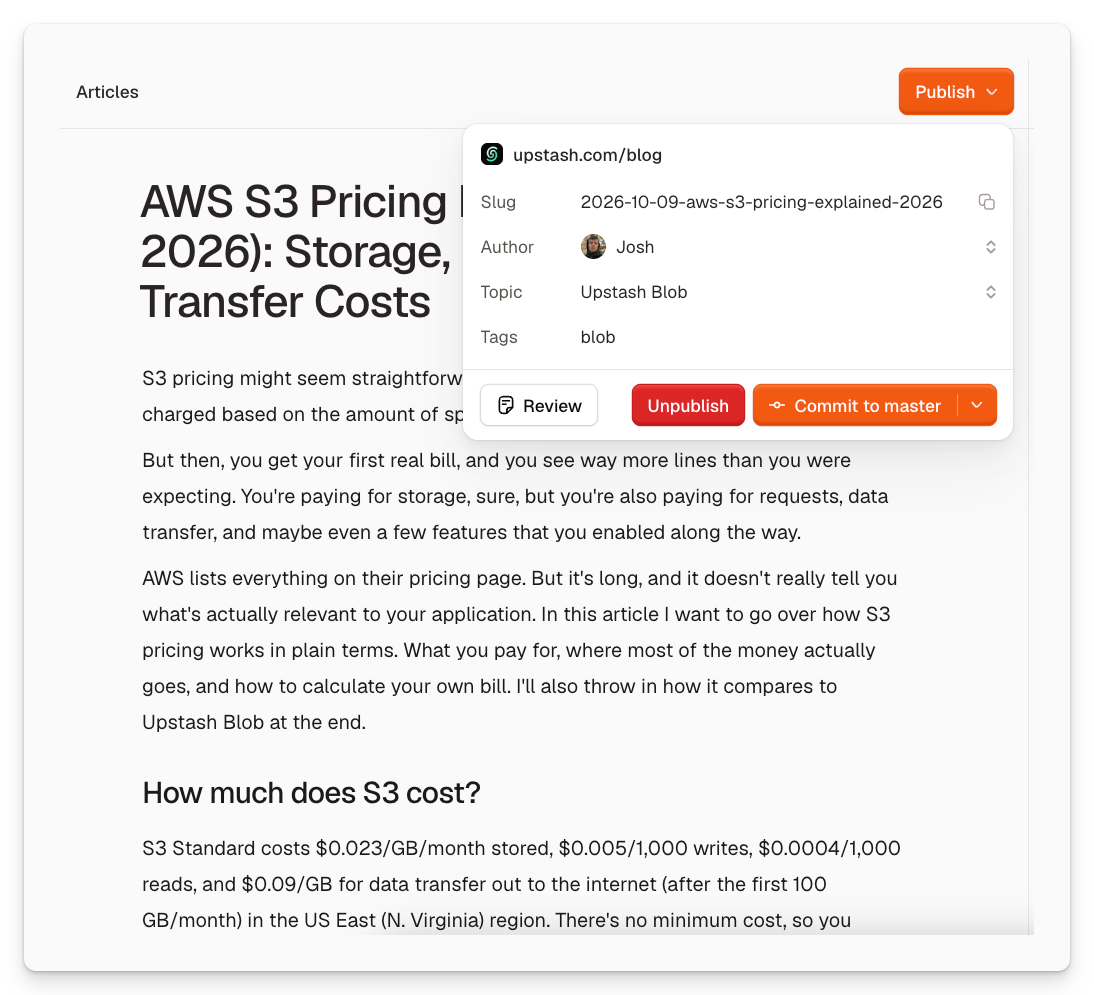
- Slug: the URL path for the article on your blog.
- Author: who wrote the article.
- Topic: the prompt topic this article belongs to.
Authors
Publishing → Authors lists the people shown as the writer of your articles. When you add people to your organization, they're automatically added as authors. Click Add author for anyone else, such as a guest writer, and give them a name and a photo.
Troubleshooting
I can't delete a blog
Make another blog the default first. A blog with live articles stays until you unpublish them. Drafts headed there move to your default blog.
Publishing says I've used my articles
An article uses one from your plan the first time you publish or copy it. More unlock at the next reset, or upgrade for a bigger allowance. Updates to live articles stay free.
Did this answer your question?