Track competitors
See who AI recommends instead of you, and for which prompts.
 JoshUpdated 1 min read
Add a competitor
The competitors you picked when you signed up are already on the list. To add another:
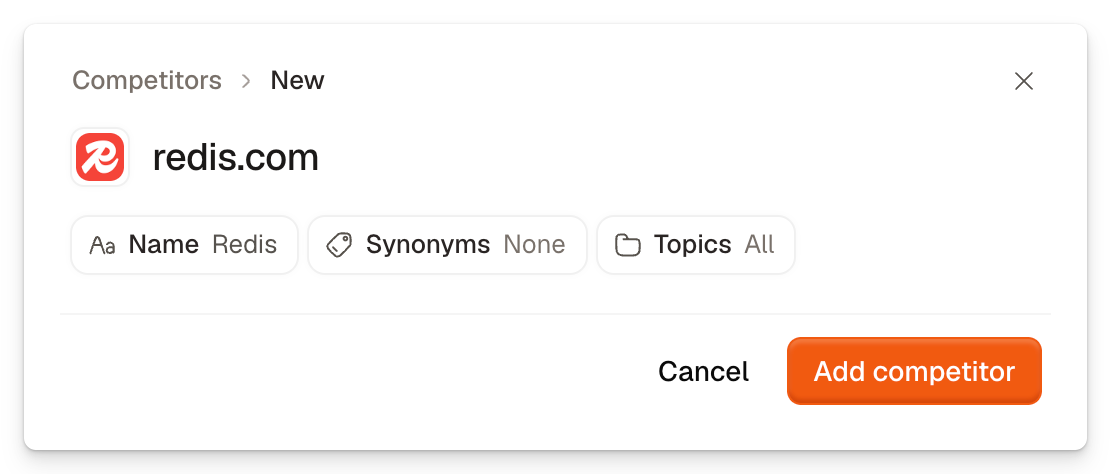
- Open Competitors and click Add competitor.
- Type the competitor's website, like competitor.com. ByDefault fills in the name from the address. Click Name to change it.
- Add Synonyms and pick Topics if you need them. Both are optional.
- Click Add competitor.
Synonyms
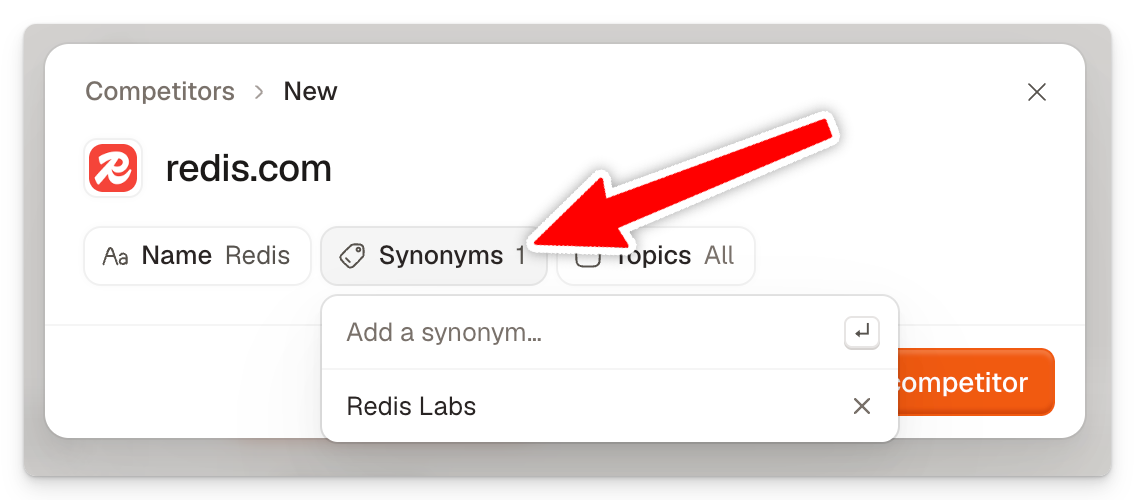
Synonyms are other names a brand goes by, like its product names. When an AI answer uses a synonym, ByDefault counts it as a mention of that competitor.
When adding or editing a competitor, click Synonyms:
Scope competitors to specific topics
Topics are groups of prompts, and you create them on Prompts. You can scope a competitor to a topic by clicking Topics:
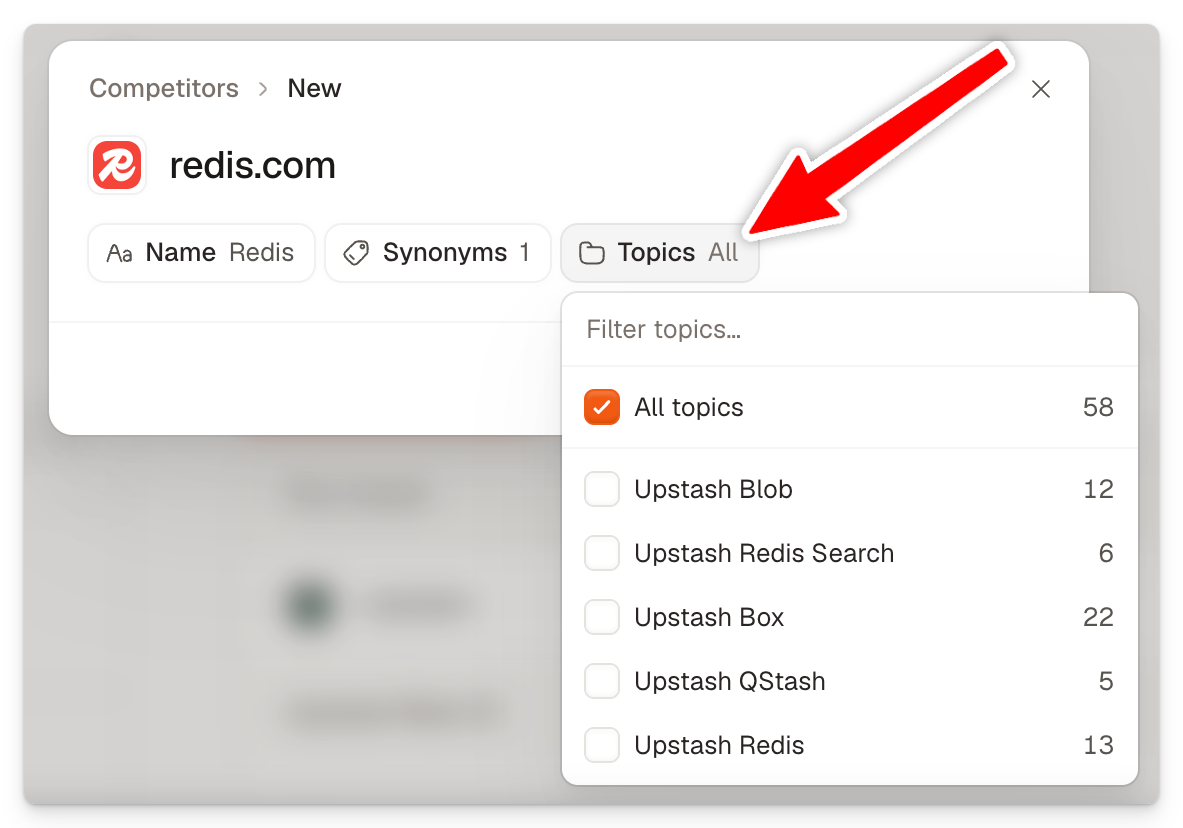
By default, a new competitor is tracked for all topics.
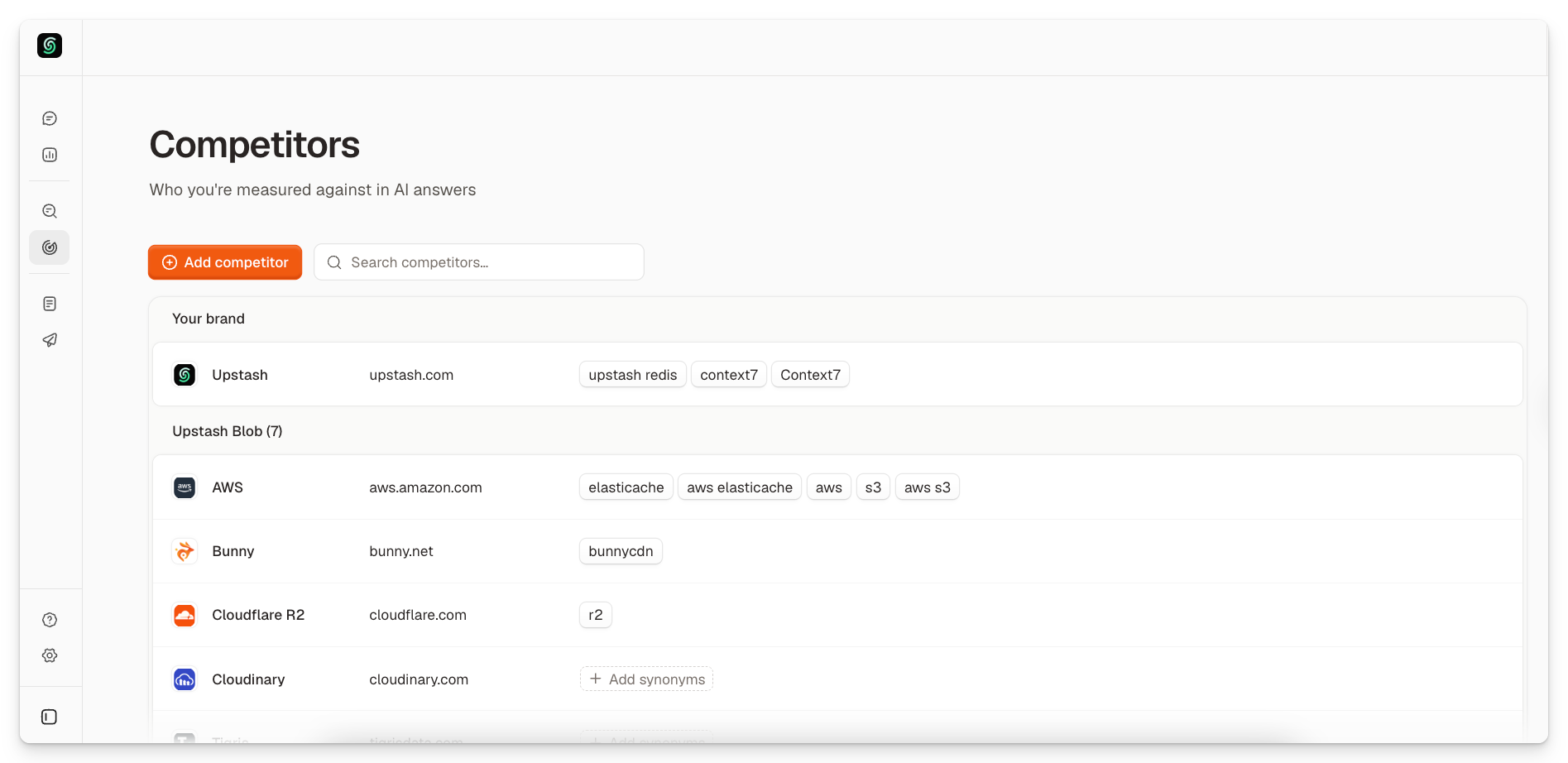
Your dashboard might look like this:
Where competitors are used
Did this answer your question?